
We've all been there: A friend comes over for dinner, or a new customer walks into your café, and the very first thing they ask before ordering is, "Hey, what's your Wi-Fi password?"
You then have to rattle off a 16-character string of random letters and numbers: *"It's capital P, lowercase a, number 7, exclamation point... wait, no, two exclamation points... hold on let me look at the back of the router."* It's a deeply frustrating, high-friction moment that interrupts the flow of conversation or hospitality. The modern, elegant solution is incredibly simple: a Wi-Fi QR code.
What is a Wi-Fi QR Code?
Most consumers still strictly associate QR codes with opening promotional websites, but the underlying matrix technology can actually contain all the technical credentials needed to join a secure network. When scanned by any modern smartphone camera (both iOS and Android natively support this protocol), the device operating system immediately recognizes the network details and automatically prompts the user to join the specific SSID instantaneously.
How to Generate One Securely
To do this securely, you absolutely do not want to use random, ad-heavy websites that you find via a Google search. Entering your home or business network credentials into a random web form means that site owner could potentially log your router password alongside your IP address. You should strictly use an offline, local-processing tool like QR Pulse.
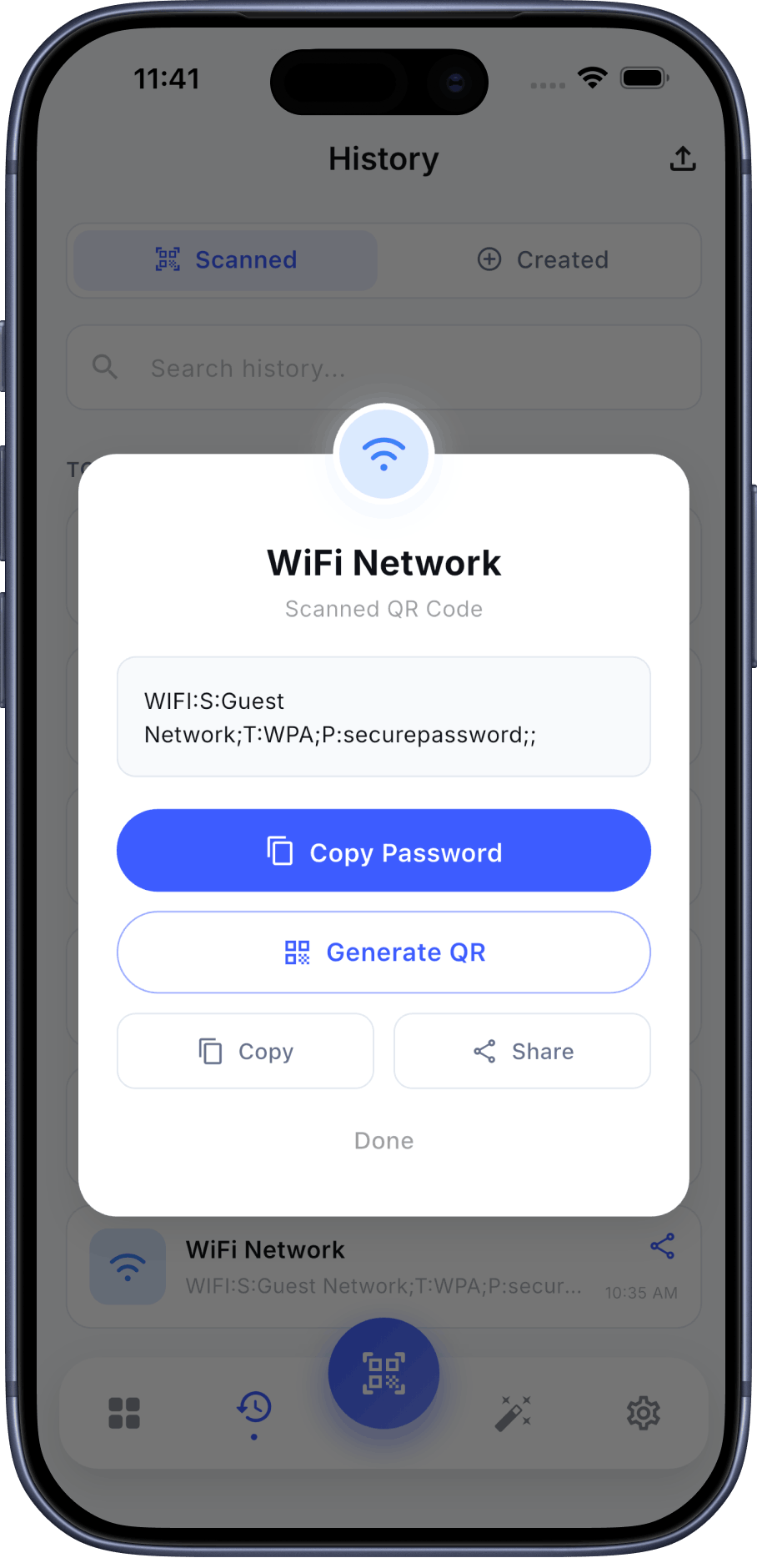
- Step 1: Open the Generator. Inside the QR Pulse app, navigate to the 'Create' tab and select the 'Wi-Fi' option from the list of built-in Smart Actions.
- Step 2: Enter Credentials offline. Carefully type in your exact Network Name (SSID) and your current password. Select your router's encryption protocol (which is usually WPA/WPA2/WPA3 for most modern routers).
- Step 3: Customize and Export. Change the design to fit your living room decor or your business branding. You can add a subtle Wi-Fi logo icon to the center of the code so people immediately recognize its precise purpose. Finally, export it as a high-resolution PNG and print it out.
Once printed, you can beautifully frame it in a 4x6 frame and place it on a coffee table, a reception desk, or mounted on the wall of your shop. It's a tiny detail that creates an incredibly polished hospitality experience.
Create Your Wi-Fi Pass Code Offline
Never type your Wi-Fi password into a random web generator again. Use QR Pulse to build and design your Wi-Fi sharing codes right on your device, ensuring total privacy. The generator is completely free.


Frequently Asked Questions (FAQ)
Can the user see the text password after scanning?
Generally, no. The native Apple iOS scanner and modern Android scanners will simply prompt the user with a button that says "Join Network 'YourNetworkName'". It handles the handshake automatically in the background without exposing the raw plaintext string.
Does the QR code still work if I change my password?
No. Because this is a static QR code, the actual password data is physically printed in the barcode matrix. If you completely change your router's password, you will need to open QR Pulse, generate a new image, and print out a replacement.
Conclusion
Stop printing out messy pieces of standard A4 paper with tape over handwritten passwords. Upgrade your living space or retail store with a custom Wi-Fi sharing code. It's faster, looks infinitely more professional, and prevents annoying, embarrassing typos that hold up the line.