
Picture this: You sit down at a local restaurant. You open your phone to scan the QR code for the menu. Within three seconds, your exact GPS coordinates, IP address, device model, and the precise time you scanned it have been silently uploaded to a server owned by a third-party ad network you've never heard of.
Does it sound utterly dystopian? It’s not. It’s actually the primary business model of 90% of the "free" barcode and QR scanners currently crowding the App Store and Google Play today.
The True Cost of a "Free" App
Developing, maintaining, and continually updating a cross-platform mobile application isn’t cheap. It takes months of engineering. Therefore, when a developer offers a QR scanner completely "free" with no premium tiers and no transparent monetization, you must understand a golden rule of modern technology: the product isn't the app—the product is you.
These apps often request entirely unnecessary permissions to harvest data:
- Location Services (GPS): To track identically where in the physical world you are scanning codes, pairing this with local retail data to build a demographic profile.
- Contacts / Phonebook: Allegedly justified by a feature to "share scanned codes with friends," but frequently weaponized to build network graphs of your relationships.
- Network Access & Wi-Fi info: To fingerprint your device based on nearby networks and routers.
The Shift to On-Device Local Processing
The solution isn't to stop scanning—QR codes are incredibly useful and increasingly mandatory in modern society. The solution is demanding apps that respect your right to privacy by exclusively utilizing local edge processing. Modern smartphones are incredibly powerful microcomputers; they absolutely do not need an internet connection to decipher the grid pattern of a standard QR code.
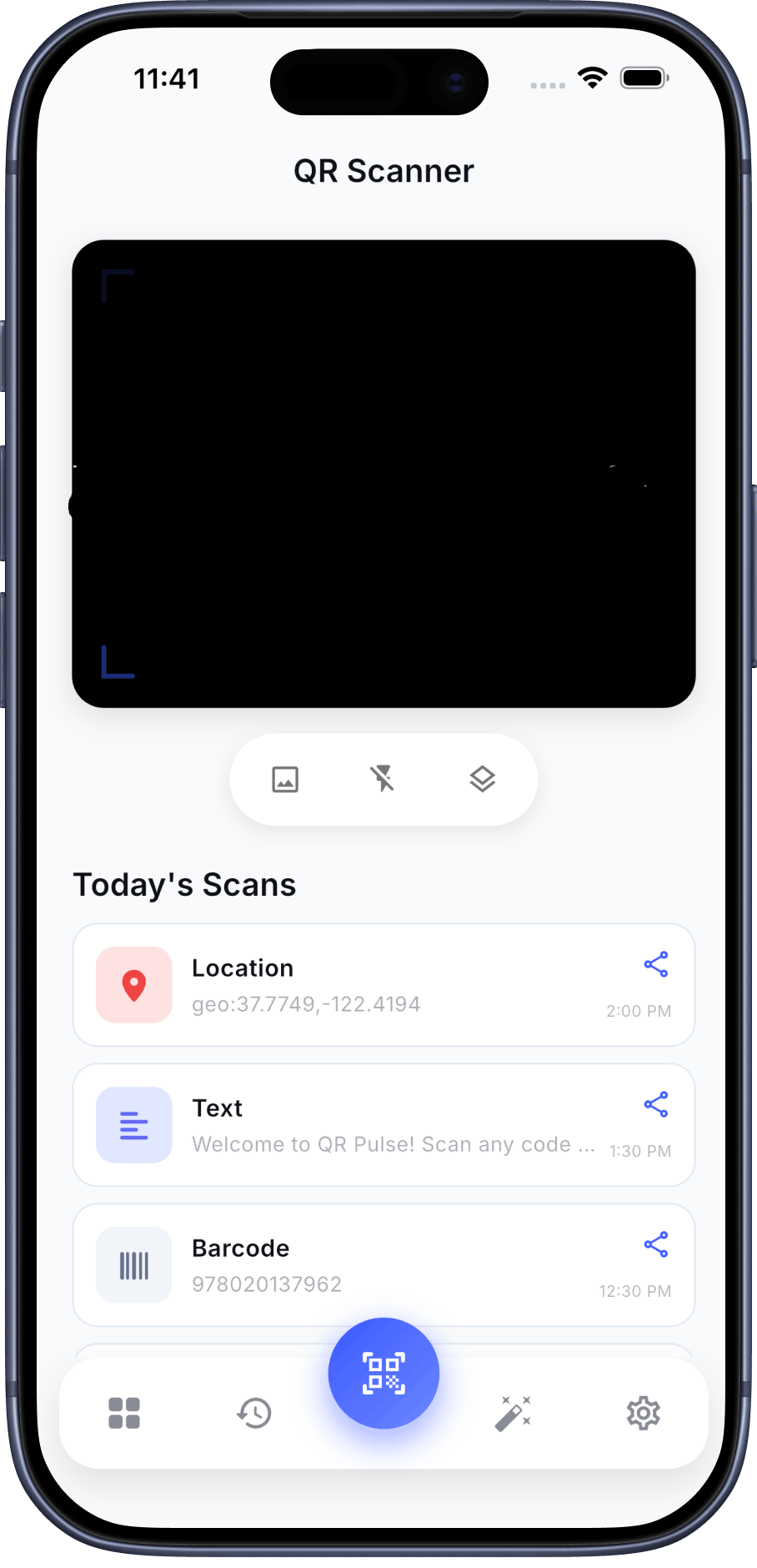
When you use a privacy-first tool like QR Pulse, the heavy-lifting decoding algorithm runs entirely on your device's physical hardware. Your personal scan history is stored locally in your phone's memory using encrypted local storage. It literally never gets bounced off a remote server. You can put your phone in airplane mode, turn off Wi-Fi, and the scanner will still parse and understand the code perfectly.
Take Back Your Privacy
QR Pulse is engineered from the ground up to unilaterally protect your data. Minimal permissions. Local processing. Zero cloud tracking. Download the safer, faster way to scan today.


Frequently Asked Questions (FAQ)
How can I tell if an app is spying?
Look at the initial permission requests. A QR scanner literally only needs one permission: the Camera. If it asks for Location, Contacts, or Microphone on first launch—delete it immediately.
If it's local, how does it open websites?
The app locally translates the visual picture into the text string (e.g., `https://spontaniti.com`). It then hands off that URL directly to your default Safari or Chrome browser to handle the internet connection.
Conclusion
In 2026, scanning a barcode shouldn't mean sacrificing your digital security footprint. Audit your current scanner’s permissions today in your OS settings. Ask yourself why your scanner needs to know your location or access your microphone. If the answer makes you uncomfortable, it’s time to switch to a privacy-first alternative. You wouldn't hand a stranger your wallet to hold while you read a menu; don't hand them your data either.